


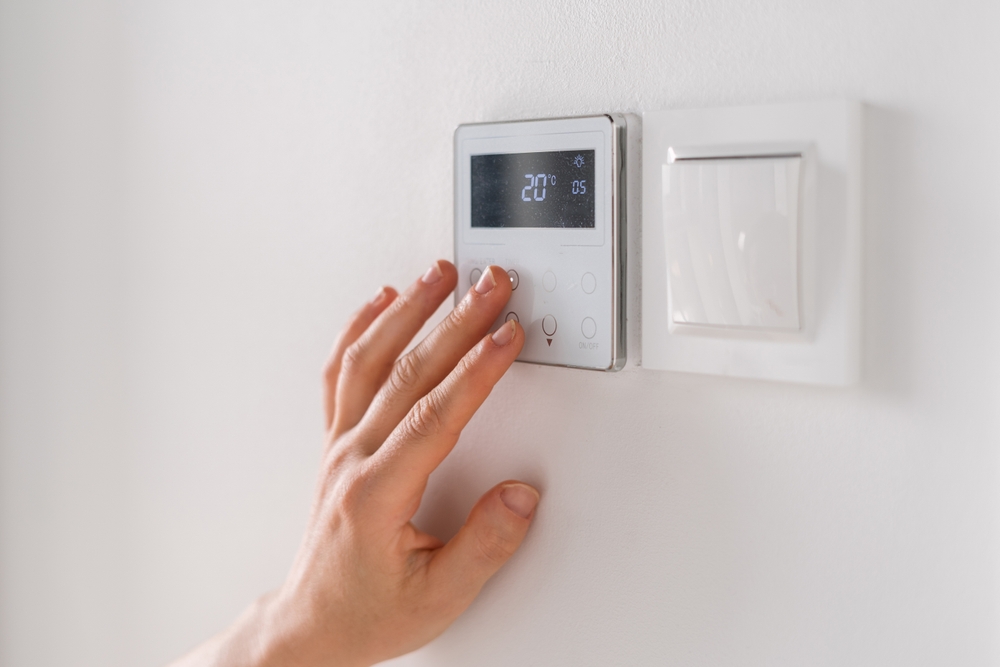
Are you wondering; should I set my thermostat fan on or auto in winter?
For the majority of winter operation, it’s best to leave your thermostat on “Auto” for maximum energy savings.
However, you should switch to “On” for short periods if you are struggling with cold spots, uneven temperatures, or need to maximize air filtration due to pets or allergies.
The “Auto” setting is the energy-efficient default because it only runs the blower when your system is actively heating. The “On” setting runs the fan continuously, using electricity 24/7, even when your furnace or heat pump is idle.
What Does Fan “On” vs. “Auto” Actually Do?
Understanding the simple difference between these two modes is key to setting your winter strategy:
| Setting | Action | Primary Goal |
| Auto | Blower runs only when the furnace/heat pump is running. | Efficiency (minimizes electricity use) |
| On | Blower runs continuously 24 hours a day, regardless of whether the system is heating. | Air Mixing (maximizes circulation) |
How This Affects Winter Comfort
In deep winter, warm supply air rises, creating temperature stratification and cold spots on the ground floor or in far bedrooms. Running the fan on “On” mixes these layers of air, which can effectively smooth out room-to-room temperature differences. The trade-off is higher energy costs and potential noise.
Important Note on Dry Air: Because Fan On mixes air more aggressively, it can sometimes feel draftier or cooler in homes with very low winter humidity. Pair any continuous fan strategy with proper winter humidity control to prevent a perceived chill.
Energy Use: The Cost Trade-off
If you are concerned about your winter electric bill, Auto will always be the less expensive option because it minimizes blower run time.
The cost difference is largely determined by your motor type:
- PSC Motors: (Permanent Split Capacitor – older standard motors) Draw nearly the same high power whenever they run. Running them them on “On” will significantly increase your electric bill.
- ECM Motors: (Electronically Commutated Motors – modern, efficient motors) Modulate speed and draw less power. While still more costly than Auto, timed circulation is cost-effective with these motors.

When to Use Fan “On” (Comfort and IAQ Boosts)
Switching to “On” can be a powerful tool for short-term fixes:
- To Eliminate Cold Spots: Blends stratified air, reducing large temperature differences between rooms or floors.
- For Improved Indoor Air Quality (IAQ): Continuous operation forces air through high-efficiency filters (MERV 11+) more frequently, helping with winter allergies and particulates.
- During Busy Periods: Keeps temperatures more consistent during gatherings or when exterior doors open frequently.
When to Stick with Fan “Auto” (The Default)
- To Save Money and Reduce Noise: Auto is the quietest and most cost-effective default.
- With Leaky Ducts: If your home has poor duct sealing, running the blower constantly could pull excessive cold air from unconditioned attics or crawlspaces, hurting efficiency. Fix the ducts before relying on Fan On full-time.
- Setting Expectations in Older Homes: Older homes often have original ducts that will never feel perfectly even. Auto may be the best balance of efficiency and tolerable comfort during non-peak hours.
The Smart Solution: Scheduled Fan Circulation
This is the best compromise for comfort and efficiency. Many modern and smart thermostats allow you to program the fan to run for a set number of minutes each hour (e.g., 15 minutes every hour).
- Benefit: This strategy delivers most of the comfort benefits of Fan On while reducing blower runtime by 60–85%, cutting the energy penalty significantly.
- Smart Thermostat Features: Use circulation features, geofencing, and adaptive recovery to ensure comfort only when the home is occupied, preventing unnecessary continuous running.
- Thermostat Placement: A thermostat located near a supply register or in direct sun may misread room conditions. Remote sensors or relocating the thermostat can improve accuracy, which makes both fan settings perform better.
System Health & Optimization: The Permanent Fix
The best way to improve airflow and comfort is to address the mechanical issues listed below. No fan setting can compensate for poor maintenance or ductwork.
1. Safety and Maintenance Checks
- Before winter, perform or schedule maintenance to verify safe operation, including proper furnace temperature rise and clean burners.
- Filter Checks: Check and replace filters monthly, especially if running the fan continuously. A clogged filter increases static pressure, risks triggering furnace safety limits, and wastes blower energy.
2. Duct Pressure and Blower Efficiency
- Static Pressure (TESP): If your fan seems loud on On mode or you hear whistling, you may have excessive total external static pressure (TESP). A professional can measure TESP and correct bottlenecks like overly restrictive filters or duct problems.
- Room-by-Room Checks: Check for pressure imbalances using a simple tissue test at interior doors. Minor fixes like door undercuts or transfer grilles can relieve pressure and reduce the need for constant fan operation.
- Duct Sealing: Leaky ducts pull cold air from attics or crawlspaces. Duct sealing and insulation often provide the biggest comfort gains and make both Auto and On perform more efficiently.
Troubleshooting: Signs Your Fan Setting Needs Attention
If you are experiencing any of the following, your HVAC system needs professional optimization or a change in settings:
- Large temperature differences between rooms or floors.
- Whistling or rattling ducts and vents.
- Insufficient airflow at far registers.
- Frequent filter clogging or excessive dust.
- High winter electric bills due to continuous blower use.

On vs. Auto: Winter Trade-Offs Summary
| Factor | Fan On | Fan Auto |
| Comfort Evenness | High (more mixing) | Moderate (between cycles) |
| Energy Use | Higher (continuous blower) | Lower (runs with heat only) |
| Noise | Potentially more continuous | Usually quieter |
| Filtration | Maximum air cycles through filter | Less frequent |
| Best Use | Cold spots, IAQ boosts, short periods | Default everyday efficiency setting |
Get Help Optimizing Your Winter Settings
Need even heat without the energy waste? Our local HVAC pros can assess airflow, ducts, and thermostat programming to dial in comfort for Minnesota winters. Call 800-570-4328 today.
Our team focuses on HVAC installation and service across Minnesota, following industry guidance from recognized sources such as the U.S. Department of Energy and ENERGY STAR. If you have questions about your system’s airflow or fan settings, contact us to discuss options.
Frequently Asked Questions
Is it Cheaper to Run the Thermostat Fan on Auto or On?
It is significantly cheaper to run the fan on Auto. The “On” setting runs the blower motor continuously (24/7), which uses electricity constantly and will increase your utility bill, regardless of how efficient your motor is. The “Auto” setting only runs the fan when the system is actively heating or cooling.
Does Running the Fan Constantly Damage the Furnace or AC Motor?
Running the fan constantly will increase wear and tear due to the higher run time hours, potentially shortening the life of the blower motor. However, frequent, short cycling (common when the fan is on Auto) can also stress components. Regular maintenance is the most critical factor for motor longevity.
What is the Best Fan Setting for Maximizing Indoor Air Quality (IAQ)?
The On setting maximizes air quality because it forces air through the filtration system 24/7. However, for efficiency, the best compromise is using a Scheduled Circulation mode (e.g., 15 minutes per hour) combined with a high-efficiency filter (MERV 11+).
Should I Run the Fan Continuously (On) with a Heat Pump?
Many HVAC professionals recommend using the On setting or a Circulation mode with a heat pump to reduce temperature swings. Heat pumps often deliver cooler air than a furnace, and continuous mixing prevents cold stratification, improving comfort.
What is the Fan Circulation Setting on a Smart Thermostat?
Fan Circulation is a middle-ground setting that automatically runs the blower fan for a fixed number of minutes each hour (e.g., 15 minutes/hour). This achieves most of the comfort benefits of the On setting (air mixing) while drastically reducing the overall electricity consumption.
Why Is My Fan Running All the Time Even When Set to Auto?
If your fan is set to Auto but runs constantly, it usually indicates a system issue. Common causes include a stuck relay in the thermostat or furnace control board, or the system running in an ongoing low-speed “circulation” mode that was inadvertently programmed or enabled. Consult an HVAC professional.
Does Continuous Fan Operation Help Solve Cold Spots in the House?
Yes. Running the fan continuously (On) actively mixes the air, forcing warm air that has risen near the ceiling to circulate back down. This helps reduce temperature stratification and often solves issues with cold spots in far rooms or on upper floors.
Resources
- U.S. Department of Energy heating guidance
- ENERGY STAR programmable thermostat tips
- Minnesota Commerce Department energy tips
- ASHRAE residential ventilation guidance
- EPA indoor air quality basics
Further Reading
- Comparing Heating System Types: Which Is Best for Your Winter Needs?
- Can I Run My Furnace Without a Filter?
- Can a Low Battery in a Thermostat Affect Your Furnace?
- Can a Dirty Furnace Filter Cause No Heat in Your Home?
This content is for general informational purposes only and is not a substitute for professional, tailored advice. Our services are strictly focused on HVAC Installation and Service within the Minnesota area. This article is not a guarantee of service representation.